Clones in TeleRank — Connecting & Managing Clone Bots
The Clones page manages your clone bots — the bots connected to TeleRank’s webhook fleet that handle incoming messages. This is where you register new bots and monitor the ones already running.
The Clones List
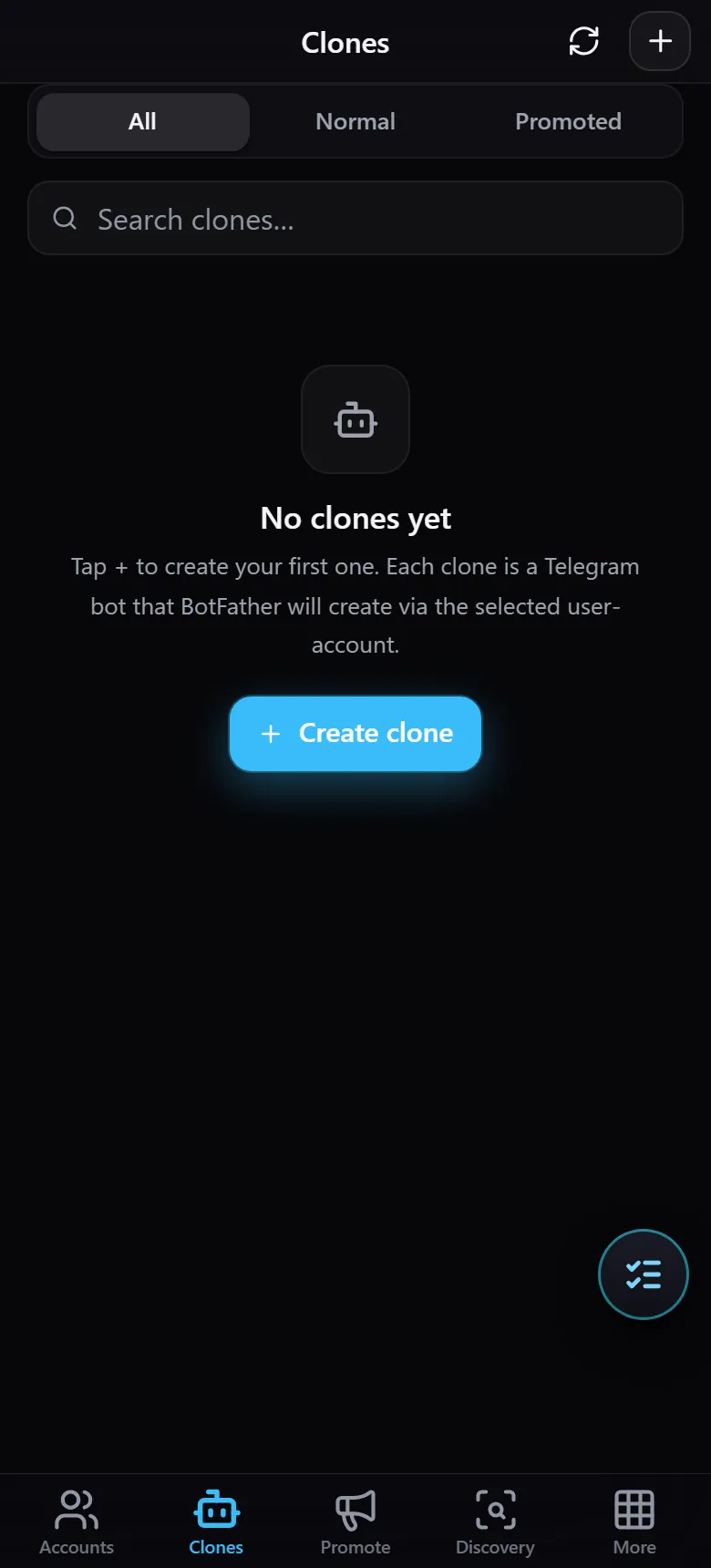
At the top of the page:
- Filters —
All,Normal, andPromoted, letting you sort by bot type. - Search — a “Search clones…” field to find a specific clone bot.
- When no bots have been added yet, an empty state (“No clones yet”) is shown with a Create clone button to register your first one.
Connecting a New Clone Bot
Clicking Create clone opens the Register clone bot panel — where you add a bot to the webhook fleet:
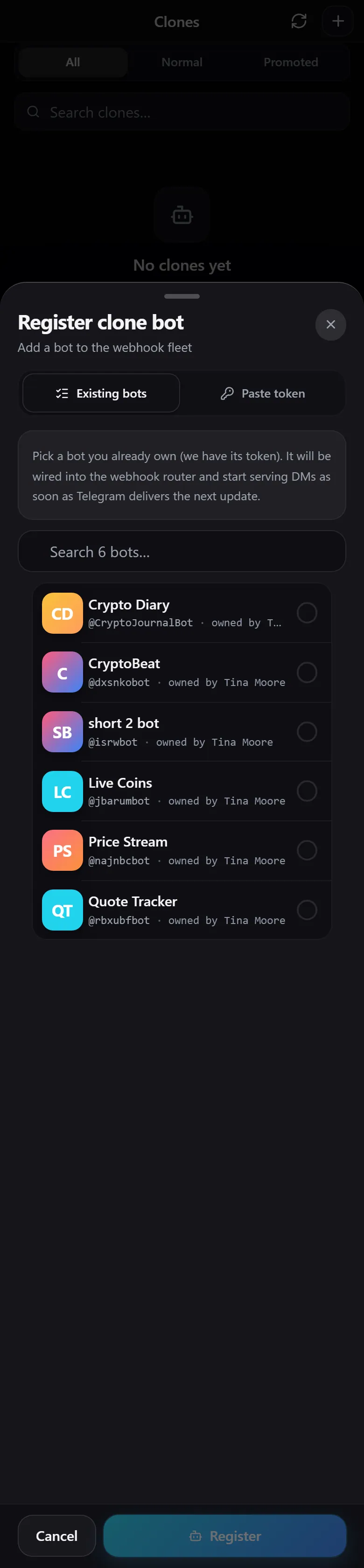
There are two ways to connect a bot:
- Existing bots — select from bots you already own whose tokens the system already holds. Simply pick a bot from the list and it is immediately wired into the router, ready to serve messages from the next Telegram update.
- Paste token — connect any bot by pasting its token manually.
Search for the bot you want in the search field, select it, and click Register.