
Schedules in TeleRank — Automate Recurring Actions
The Schedules page lets you run actions automatically on a recurring basis — for example, “create a bot every day” — without triggering each one manually. The system spreads execution over time to avoid triggering rate limits or blocks.
Schedule List
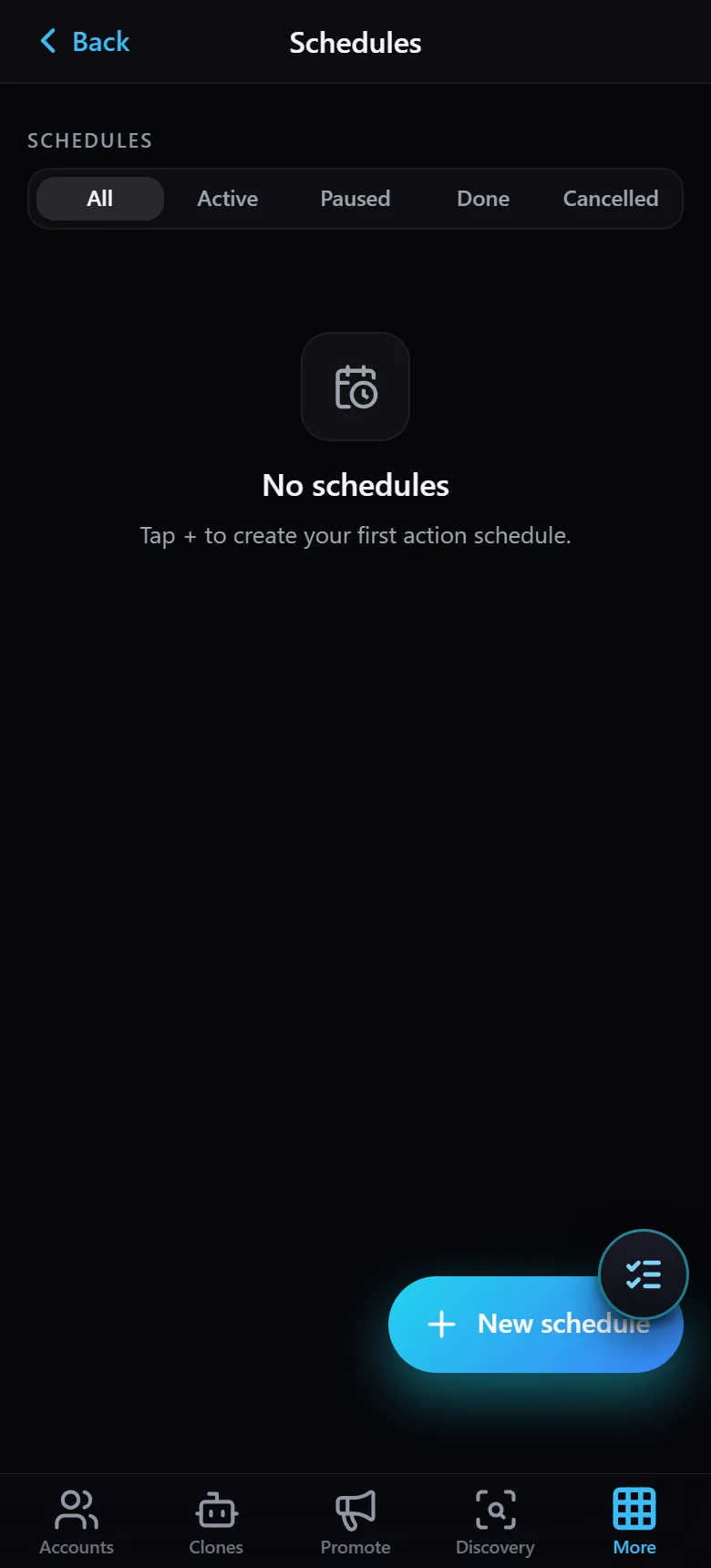
- Filters —
All/Active/Paused/Done/Cancelled. - When no schedules exist, the page shows “No schedules” with a prompt to create the first one.
- The New schedule button (bottom of the page) opens the creation wizard.
Creating a New Schedule
Tap New schedule to open a multi-step wizard:
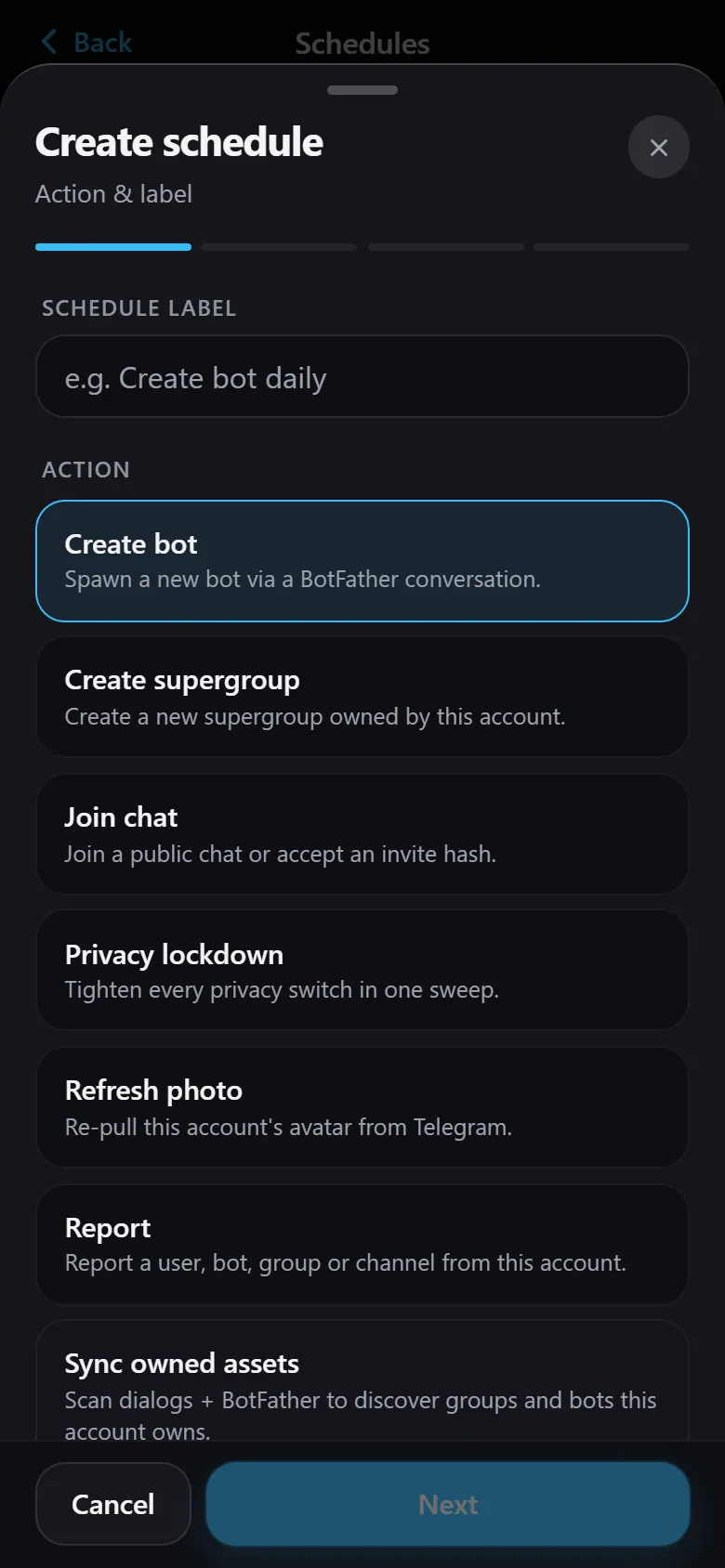
Step 1 — Action & label:
- Schedule label — a name for the schedule (e.g. “Daily bot creation”).
- Action — choose which action runs automatically. All the familiar account actions are available here: create bot, create supergroup, join chat, lock privacy, refresh photo, report, sync assets, and more.
After selecting an action, tap Next to continue through the remaining wizard steps — picking which accounts the schedule runs on and setting the frequency and time windows. Once finished, the schedule appears in the list as Active and runs automatically until you pause or cancel it.
Tip: Combining schedules with time-of-day spreading is the safest way to build assets (bots and groups) at scale without running everything by hand.