Competitors — Analyze Your Telegram Market
The Competitors page maps out the market you compete in: who is ranking, who is moving, and who has entered or dropped out of the top spots. All data comes from the Scanner.
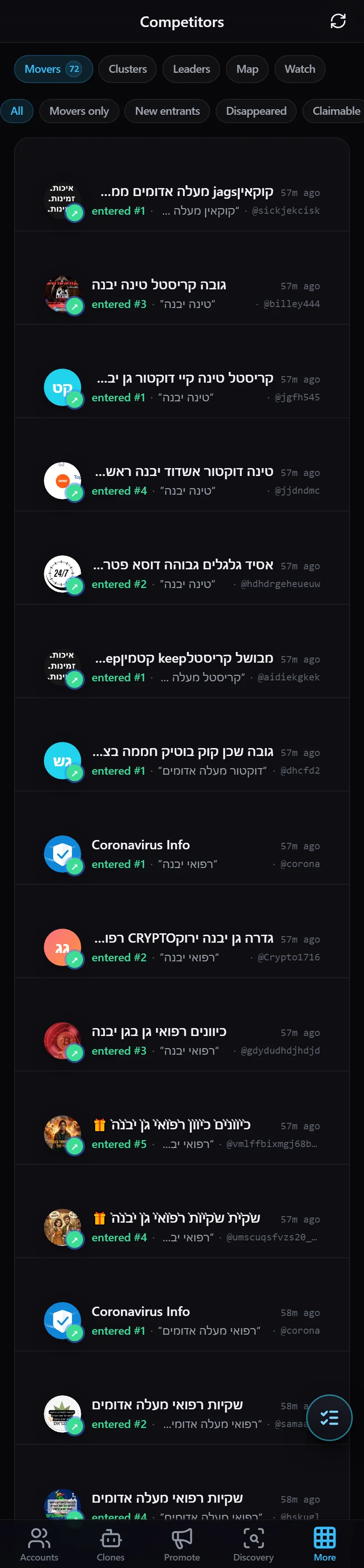
At the top of the page are five tabs — Movers · Clusters · Leaders · Map · Watch — along with filters for time range (Today / 7d) and change type (All / Movers only / New entrants / Disappeared / Claimable).
Movers — Ranking Movements
The default tab. Shows every competitor that shifted position: who moved up, on which keyword, and what spot they landed (for example, “entered #1”). This is your fastest view into what changed in the market.
Clusters — Competitor Groups
Groups competitors together based on similarity, helping you identify players that operate in the same niche or appear to move together.
Leaders — Top Competitors
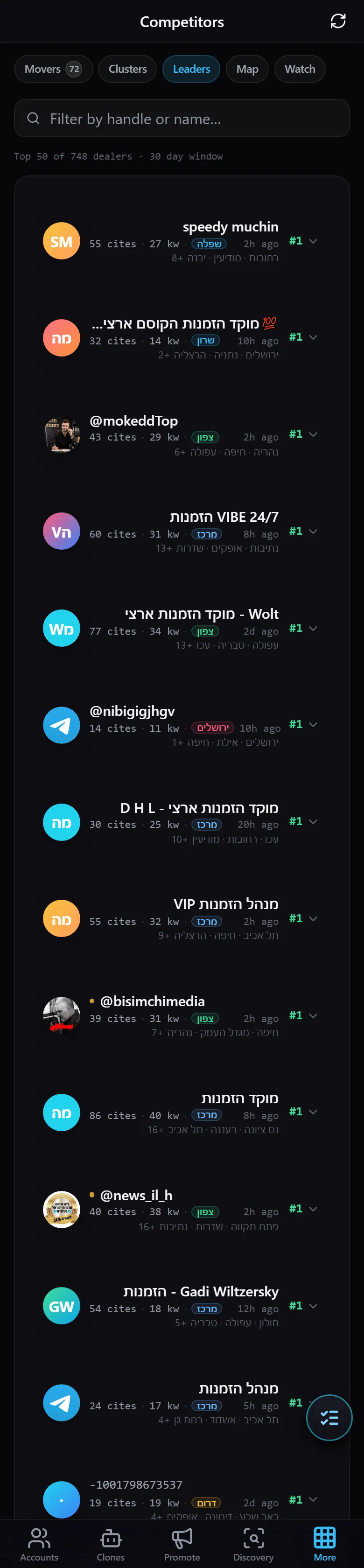
Ranks the strongest competitors — showing who holds the most first-place positions across your tracked keywords.
Map — Visual Market Overview
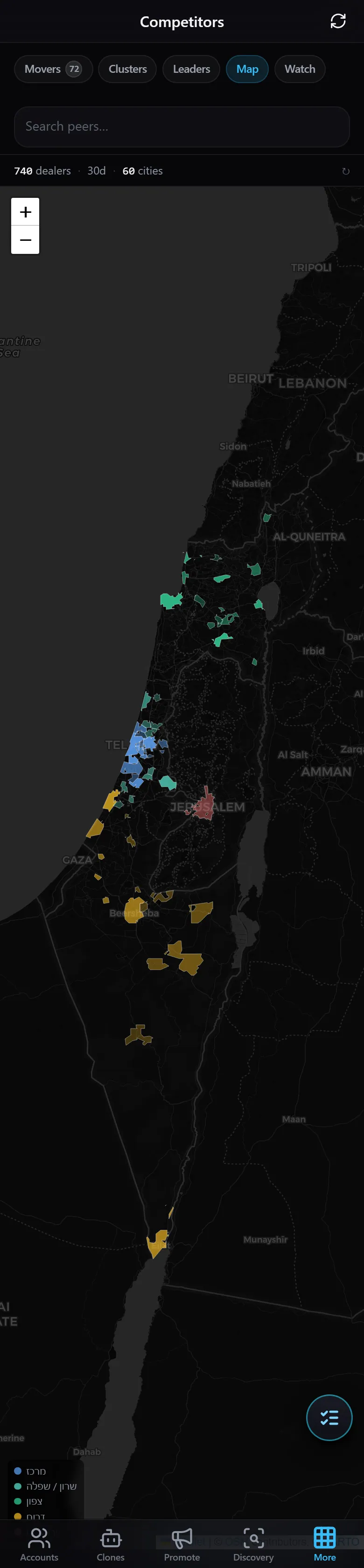
A visual representation of the competitive landscape, positioning competitors relative to one another at a glance.
Watch — Your Watch List
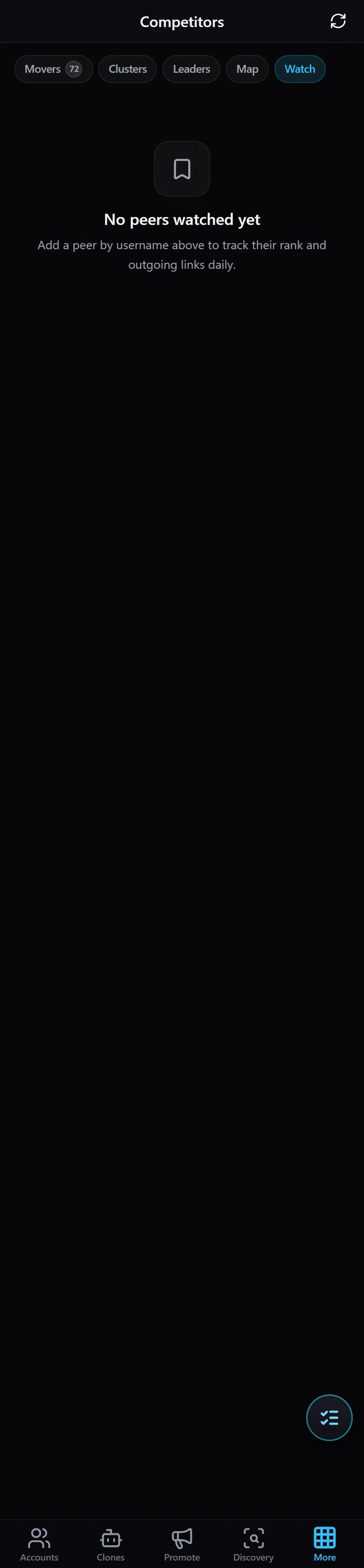
The list of competitors you have flagged for close monitoring, so you receive dedicated updates on their activity.
Together, the five tabs give you a complete picture of your market — who is leading, who is rising, and who is worth keeping an eye on.